


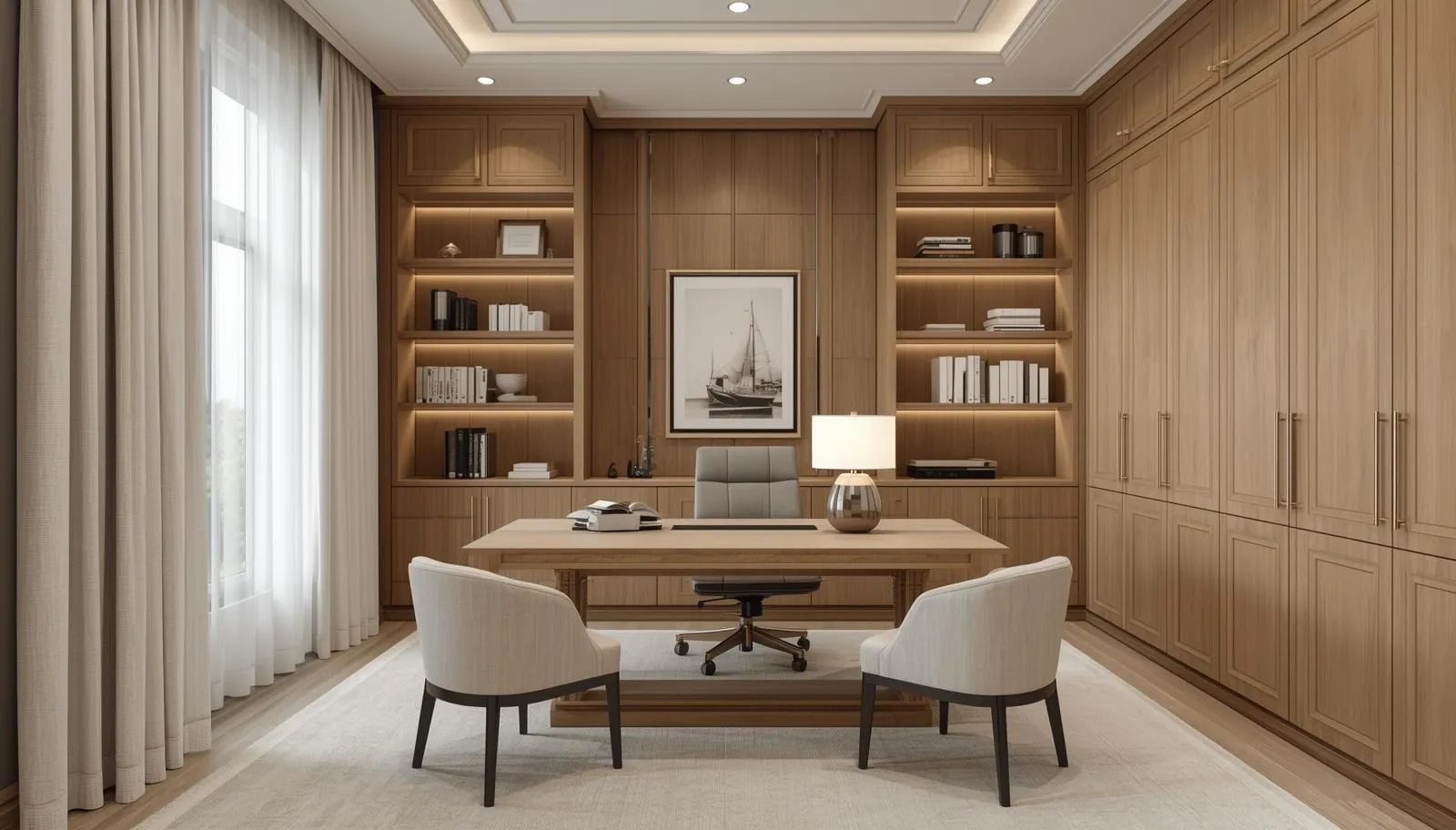
A Workspace Should Support Thinking, Not Distraction
Home offices often fail for one simple reason: they are designed as furniture layouts instead of working systems.
Without structure, everyday items laptops, chargers, paperwork, printers end up competing for surface space. Over time, that visual noise becomes a constant distraction.
Well designed built-ins remove that friction by giving every element a defined place within the system, not just the room.
Designing the Desk Around How You Actually Work
A desk is not just a surface it is the centre of your workflow.
Before selecting finishes or styles, the layout should be defined by what the space needs to support:
monitor placement, printer access, charging zones, and daily tools.
When those dimensions are planned first, cabinetry becomes intentional instead of improvised.
This approach avoids the most common issue in home offices: beautiful desks that don’t function properly.
Cable Management That Disappears Into the Design
Cables are one of the biggest sources of visual and physical clutter in a workspace.
If they are added after the fact, they always look like an afterthought.
Integrated millwork solves this through:
hidden routing channels, built in grommets, and enclosed power zones that keep connections accessible but invisible.
The result is not just a cleaner look it’s a safer and more efficient workspace.
Balancing Open Display and Closed Storage
A well designed office needs contrast, not uniform storage.
Open shelving creates space for display and quick access, while closed cabinetry removes visual distractions like paperwork, devices, and supplies.
The balance between the two determines how calm the room feels.
Too much openness creates chaos. Too much closure makes the space feel heavy. The right mix supports both function and focus.